
Tu carrito está vacío
Add description, images, menus and links to your mega menu
A column with no settings can be used as a spacer
Link to your collections, sales and even external links
Add up to five columns
Add description, images, menus and links to your mega menu
A column with no settings can be used as a spacer
Link to your collections, sales and even external links
Add up to five columns
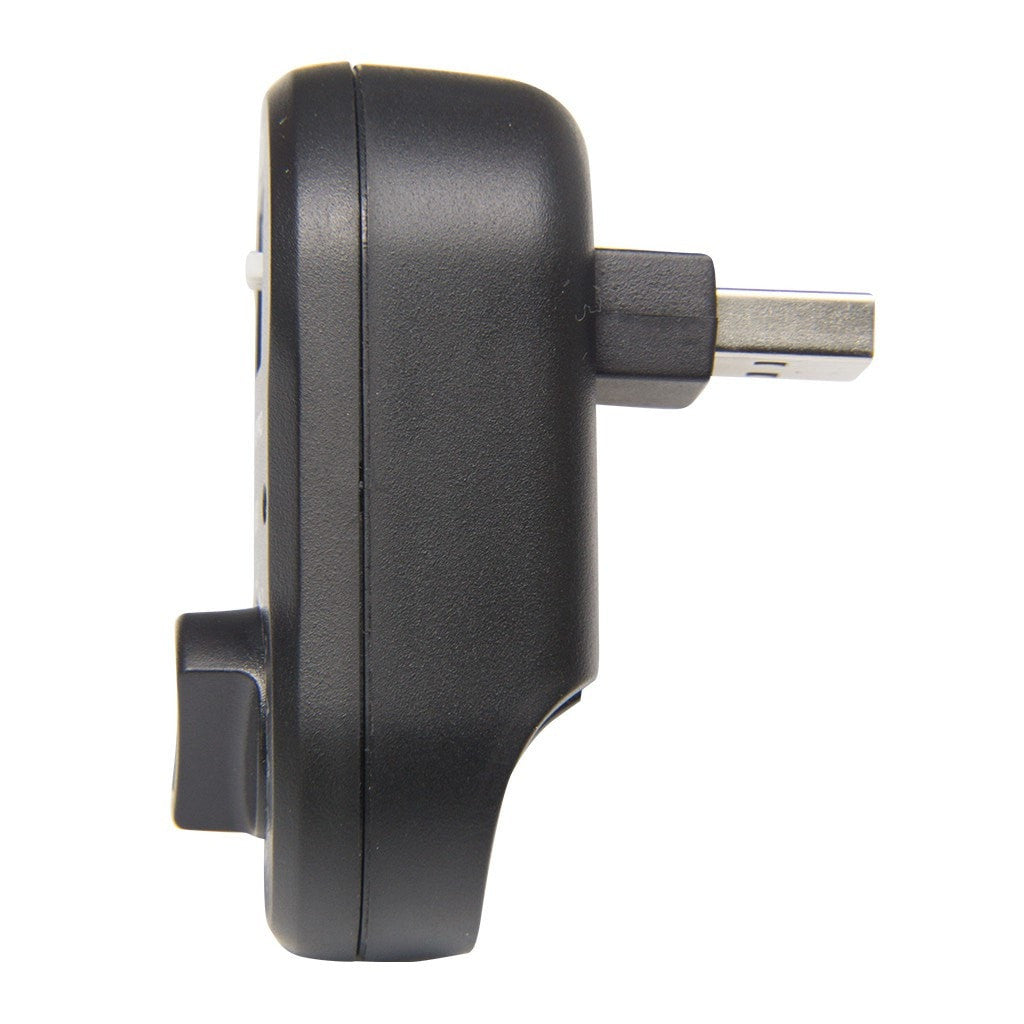
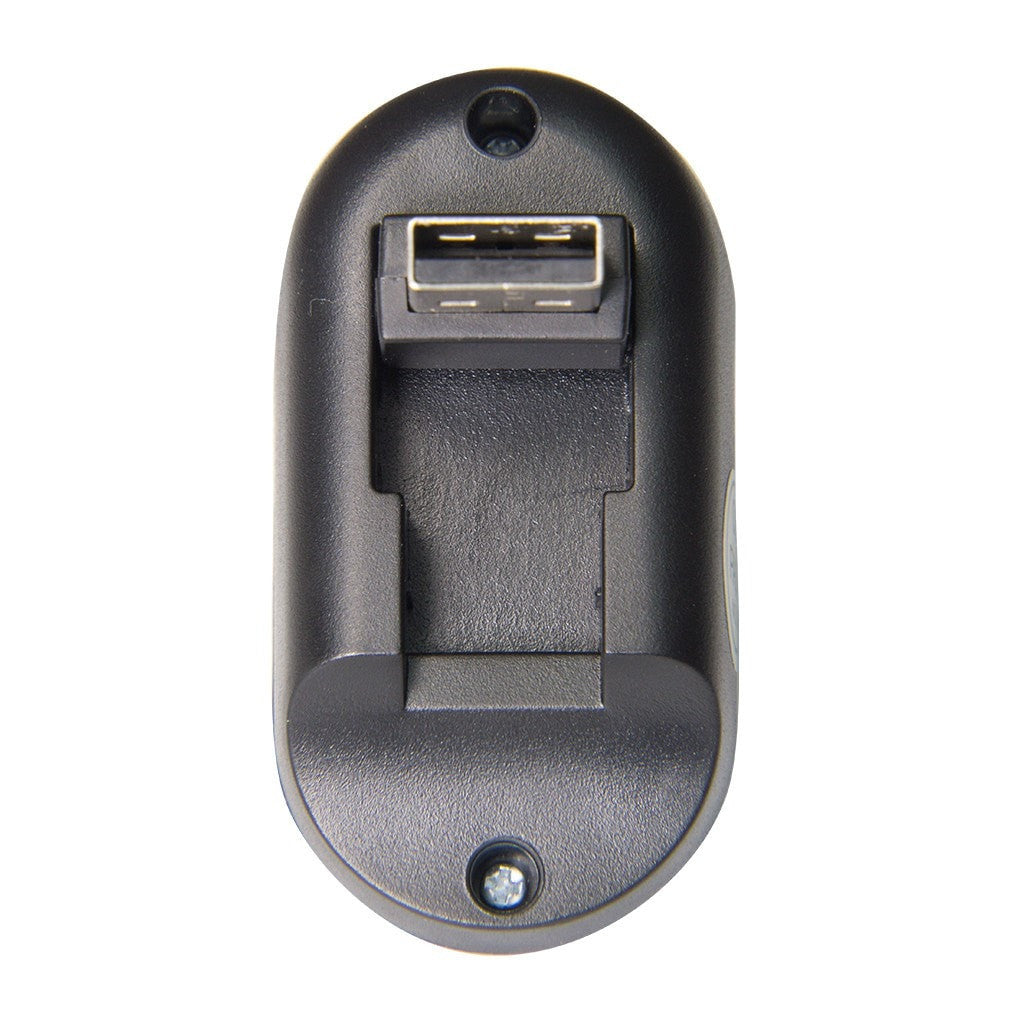
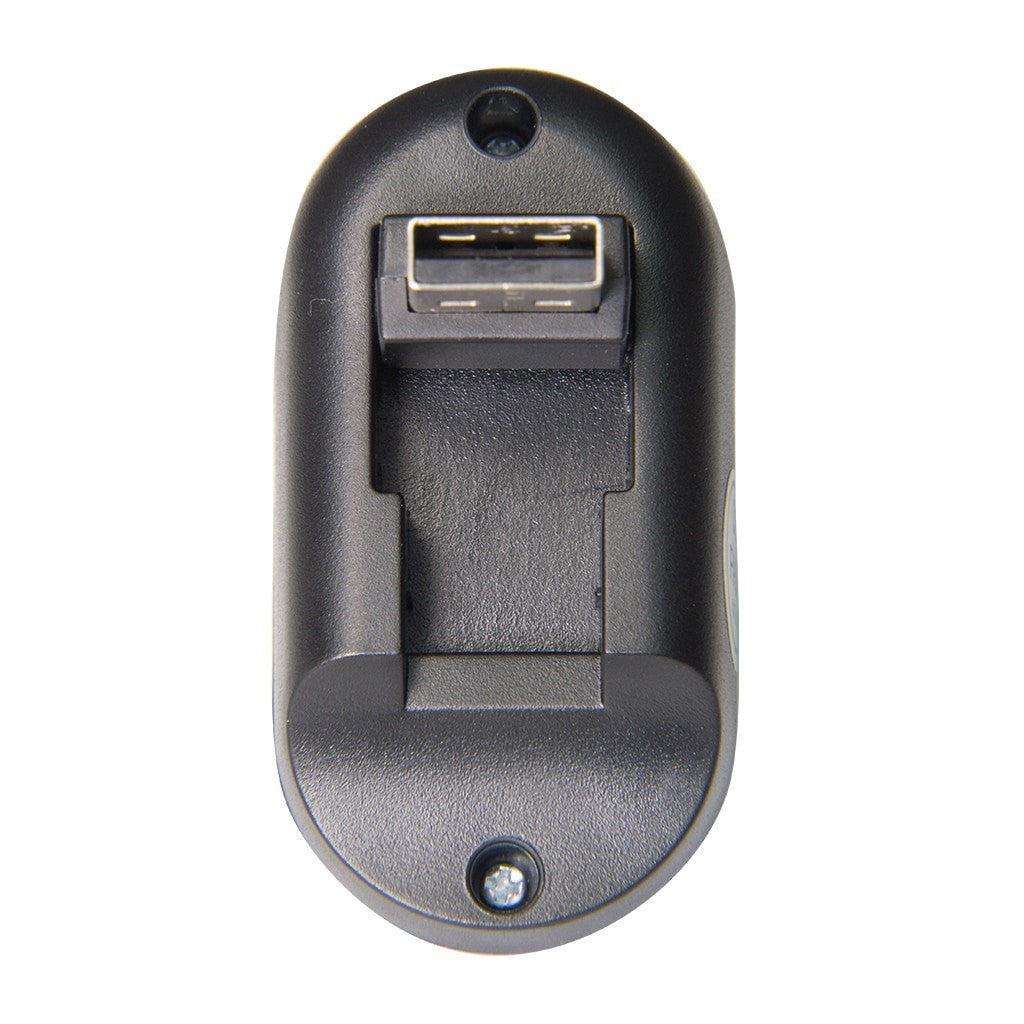
XTR16
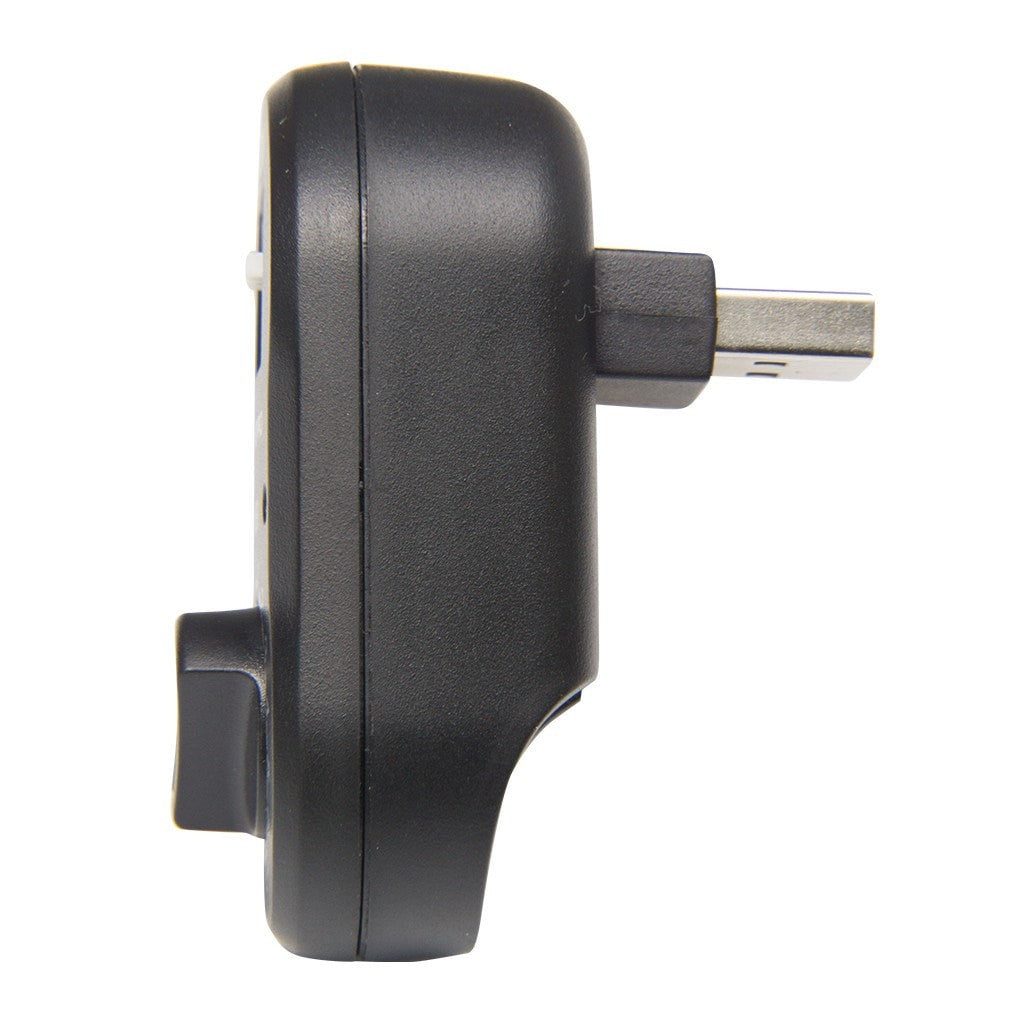
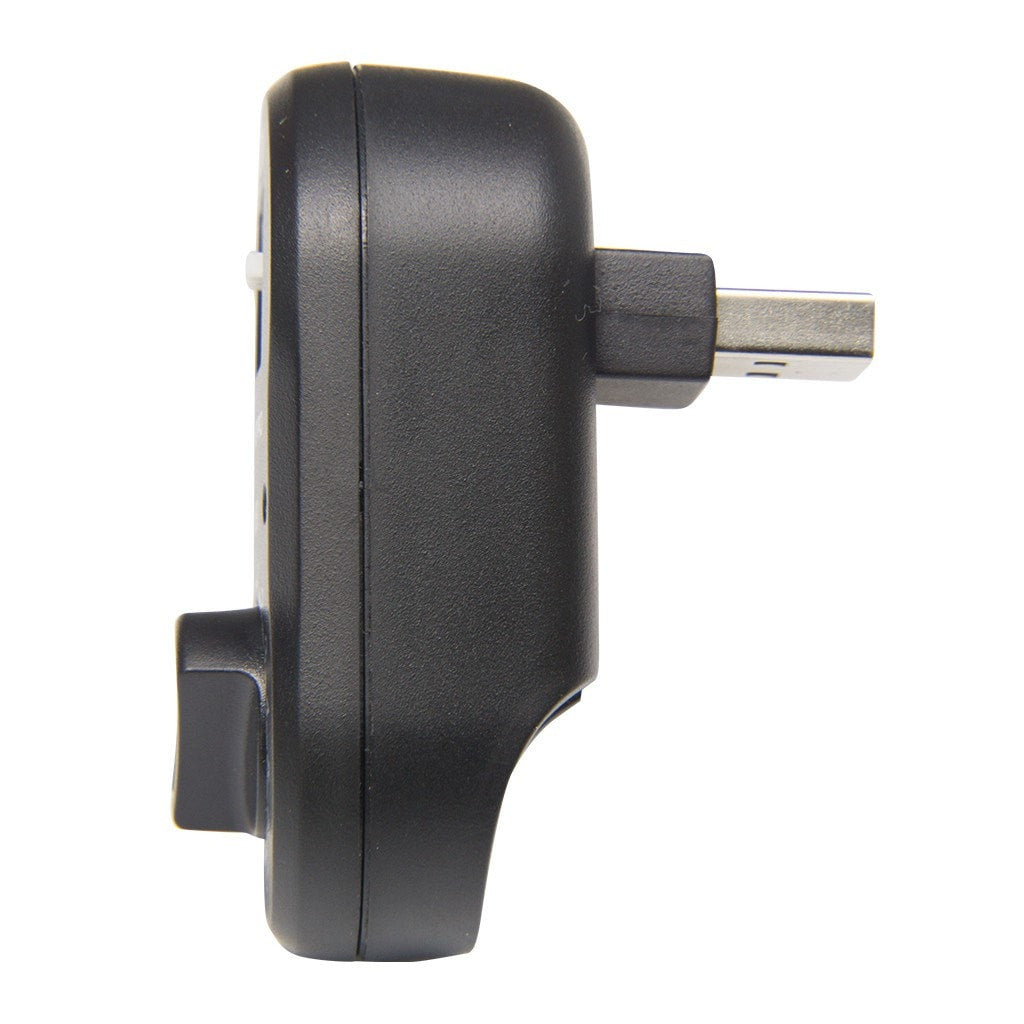
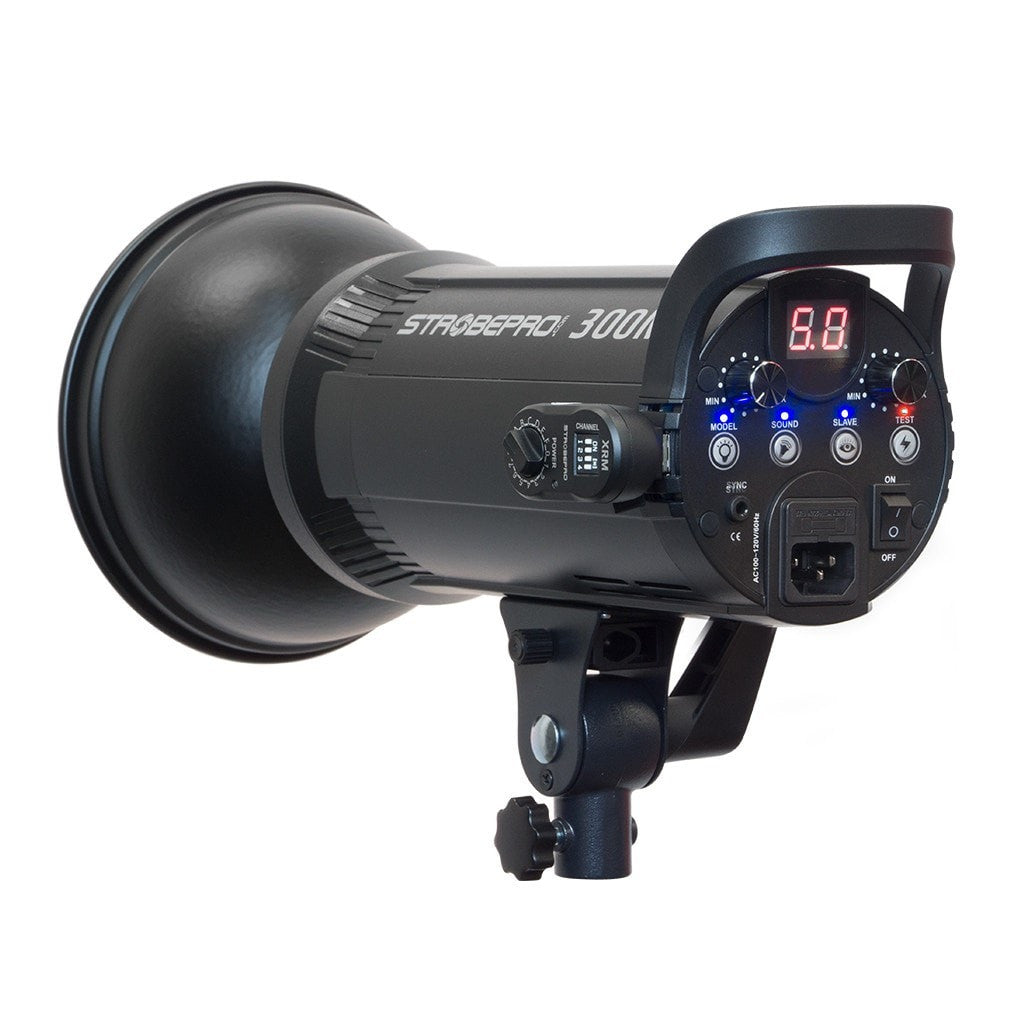
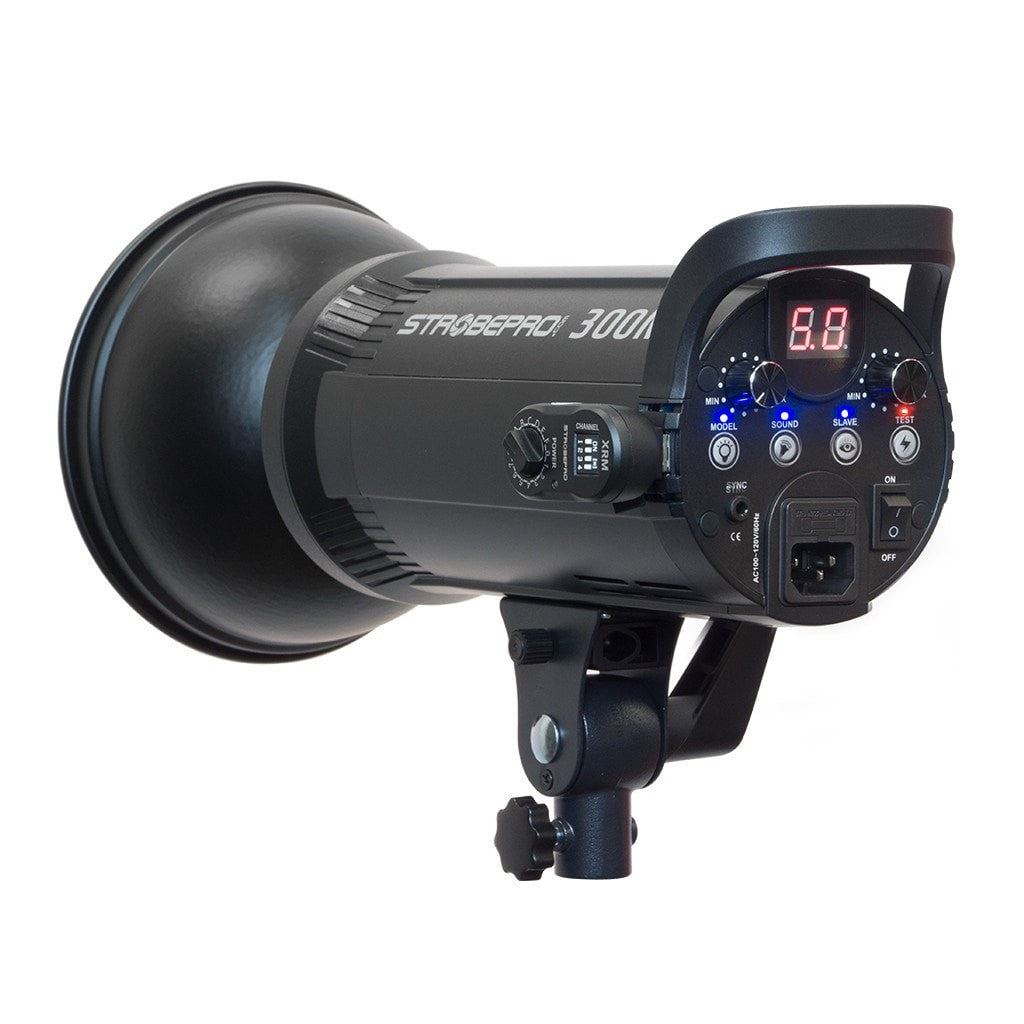
Esta es la antena USB de 2,4 GHz para flashes Godox y Strobepro más antiguos que no tienen un receptor incorporado.
El receptor XTR16 funciona simplemente conectándolo al puerto de control inalámbrico de un estroboscopio compatible.
Radio receiver praised for compatibility with AD360 V1 and V2 systems. Customers said it "works flawless" with triggers and "never missed a shot" with impressive range. Initial setup requires binary configuration of dip switches for channels. Works well once configured, though some need manual strobe adjustment. Fast shipping and excellent service noted.
Trent, thank you for posting the binary settings relative to the XPro. I used them for setting my old XRM receiver and it works great. I don't have to use the SLAVE setting any more. I still have to set the strobe unit manually, but at least I can trigger it from my common XPro transmitter.
Jack
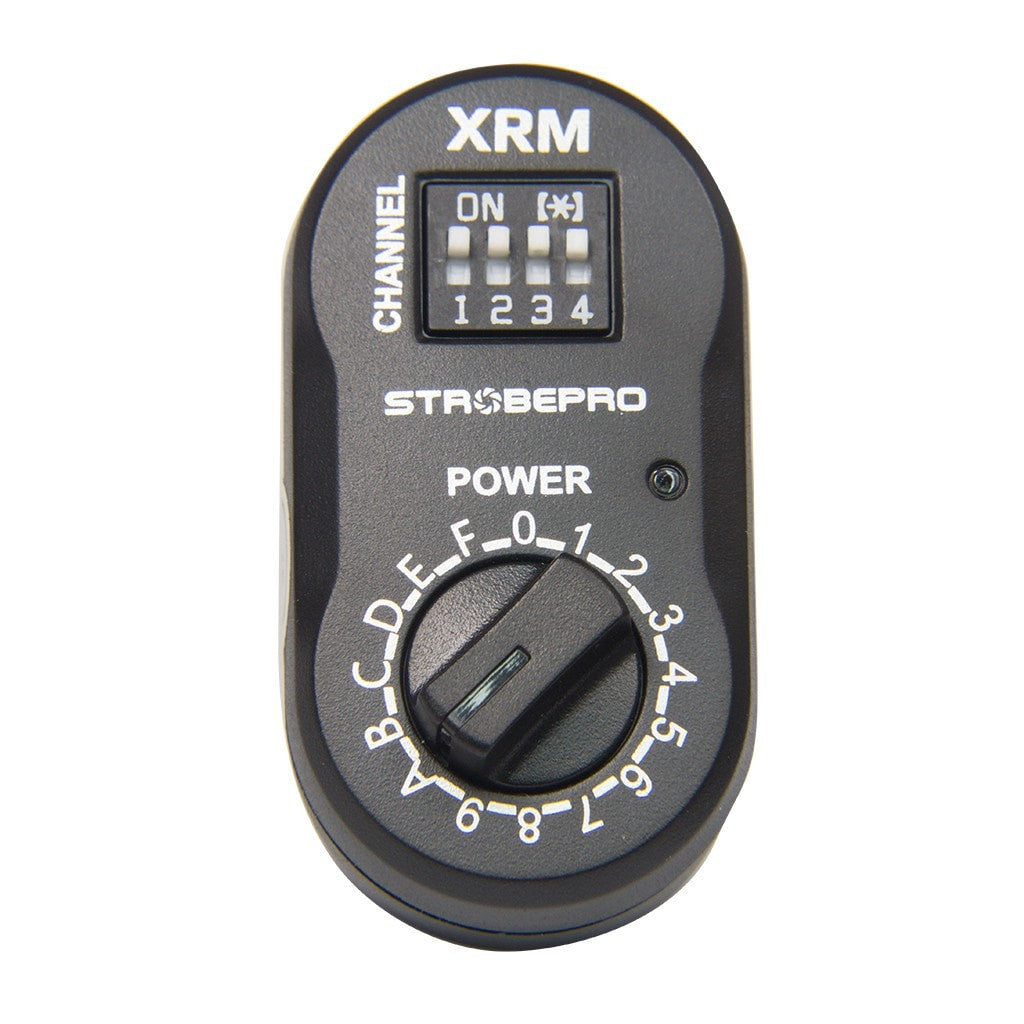
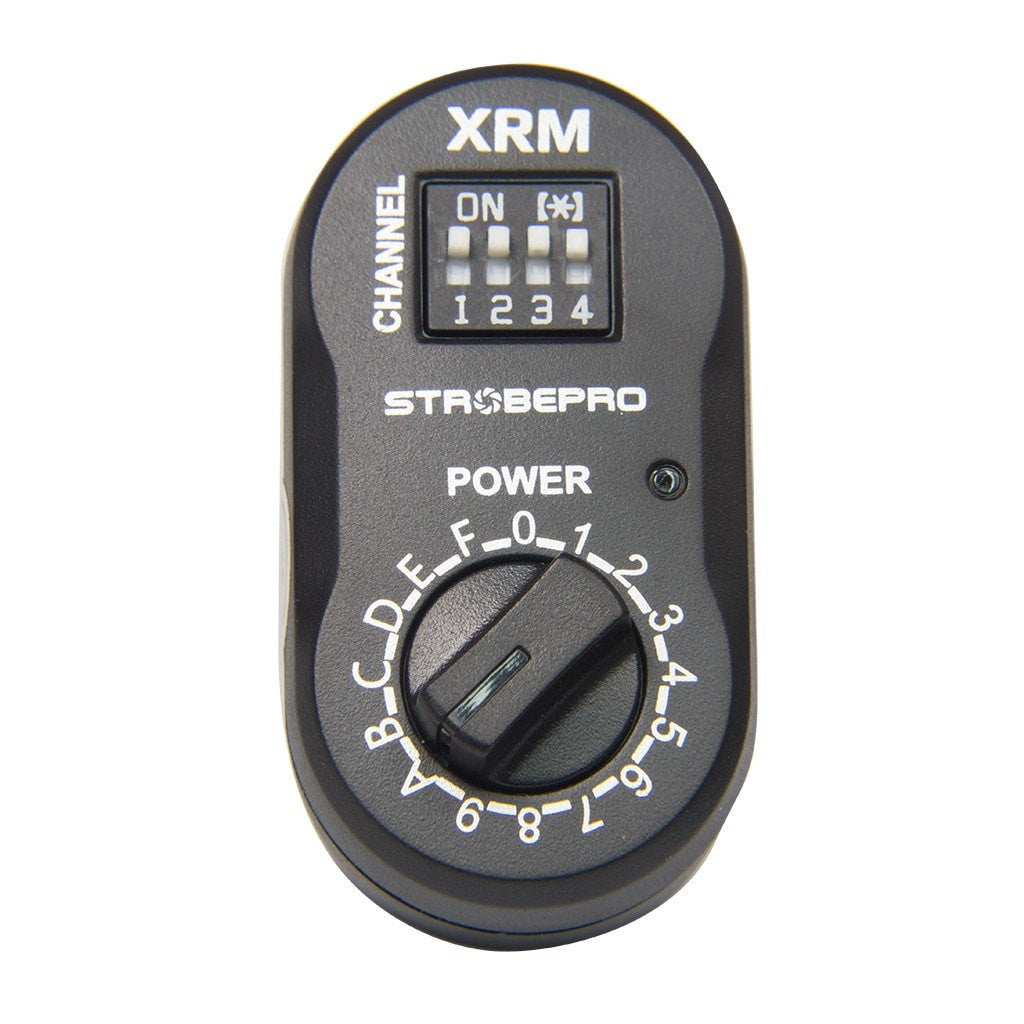
After some trouble figuring it out, it works great on my Bolt VB-22 (AD360 first edition, rebranded by the big New York camera store). This is not the same as the AD360v2 / Strobepro X360(C|N) - those have built in receivers and do not require an external one.
To set channel from 1-16: Take the channel your XPro is set to and subtract 1. Convert to binary, set dip switches right to left (1 is the least significant digit).
To set group: Set "power" dial to A,B,C,D, or E same the group on your XPro. It should probably also work if your xpro is in 16 group mode - I haven't tried it as circumstances where more than 5 groups would be manageable seem rare.
XPro Channel - dip setting
1 - 0000
2 - 1000
3 - 0100
4 - 1100
5 - 0010
6 - 1010
7 - 0110
8 - 1110
9 - 0001
10 - 1001
11 - 0101
12 - 1101
13 - 0011
14 - 1011
15 - 0111
16 - 1111
Such a great receiver works very well... was super impressed by Range and never missed a shot
Fantastic, is just what i need for my New Ad360 Version 1 and works flawless with Godox X3 triggers the shipping was extremely fast , really they take any order very serious 👍, thanks guy , great costumer service, definitely appreciate and i will be buying more from here
After some trouble figuring it out, it works great on my Bolt VB-22 (AD360 first edition, rebranded by the big New York camera store). This is not the same as the AD360v2 / Strobepro X360(C|N) - those have built in receivers and do not require an external one.
To set channel from 1-16: Take the channel your XPro is set to and subtract 1. Convert to binary, set dip switches right to left (1 is the least significant digit).
To set group: Set "power" dial to A,B,C,D, or E same the group on your XPro. It should probably also work if your xpro is in 16 group mode - I haven't tried it as circumstances where more than 5 groups would be manageable seem rare.
XPro Channel - dip setting
1 - 0000
2 - 1000
3 - 0100
4 - 1100
5 - 0010
6 - 1010
7 - 0110
8 - 1110
9 - 0001
10 - 1001
11 - 0101
12 - 1101
13 - 0011
14 - 1011
15 - 0111
16 - 1111
Such a great receiver works very well... was super impressed by Range and never missed a shot
Will this receiver work with my Alien Bee lights?
No the Alien Bee does not have the port required. You could use the XR Receiver plugged into the Alien Bee PC Sync port with the XT Transmitter on camera.
Sign up to get the latest on sales, new releases and more …


